
Warehouse Management Software
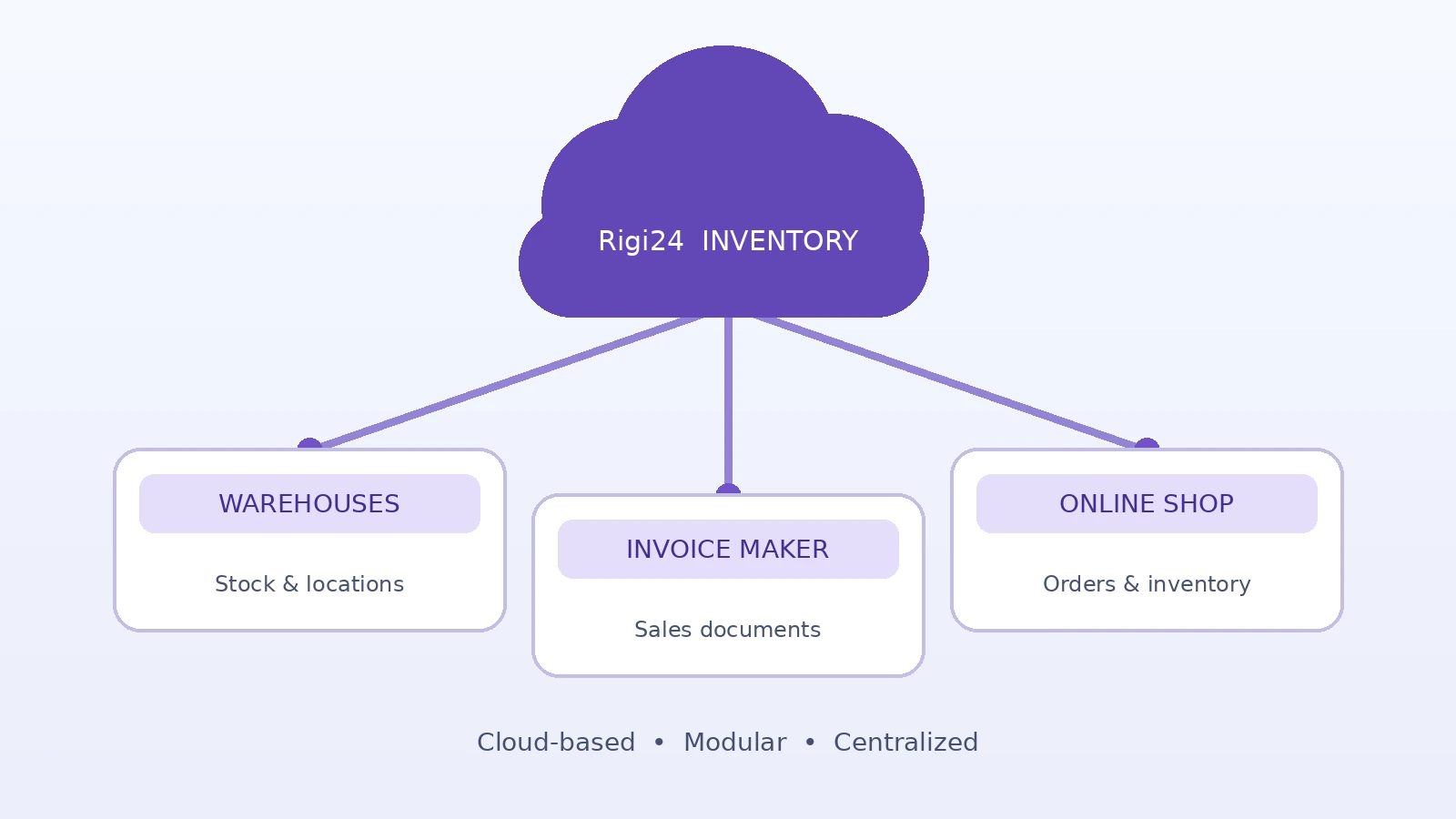
Rigi24 Smart Inventory brings warehouse operations, stock tracking, storage locations, barcode and QR identification, stock counts and inventory movements into one business system.
Features and use cases
What does this module do? Each card explains how the feature helps with real day-to-day work.
Why use warehouse management software?
Spreadsheets and disconnected records make it difficult to know what is in stock, where it is stored and what can actually be sold. Rigi24 Smart Inventory brings warehouse records and stock movements into one workflow.
- Track multiple warehouses and storage locations
- Identify products with barcodes, QR codes and internal SKUs
- Record receiving, dispatch, transfers and stock counts
- Distinguish usable, damaged and saleable stock
Who benefits?
Retailers
See product availability and pick locations.
Wholesalers
Keep separate balances across warehouses.
Service companies
Track spare parts and items in repair.
Multi-branch operations
Record stock by branch and transfers.
How it works
Create an item
Add a clear name, SKU and barcode where applicable.
Choose a location
Identify the warehouse, zone or shelf.
Record a movement
Log receiving, dispatch or transfer with quantities.
Count and reconcile
Compare physical stock with recorded balances.
A practical scenario
A networking-equipment company uses a central warehouse and two branches. Received routers are recorded by item and location; damaged units are kept distinct from saleable stock.
Frequently asked questions
Can I track several warehouses?
The module supports warehouse and storage-location records.
Does scanning automatically change stock?
No. Scanning identifies an item; a permitted stock transaction records the movement.
Can damaged stock be separated?
The model distinguishes stock conditions; individual workflows should be validated.
Will every scanner work?
Test your actual scanner, symbols and workflow before rollout.
Bring inventory into Rigi24
Explore Smart Inventory and select modules that suit your business.
Get started ↗Feature availability and hardware compatibility depend on your configuration and verified workflows.
Module availability depends on the selected service and applicable terms.