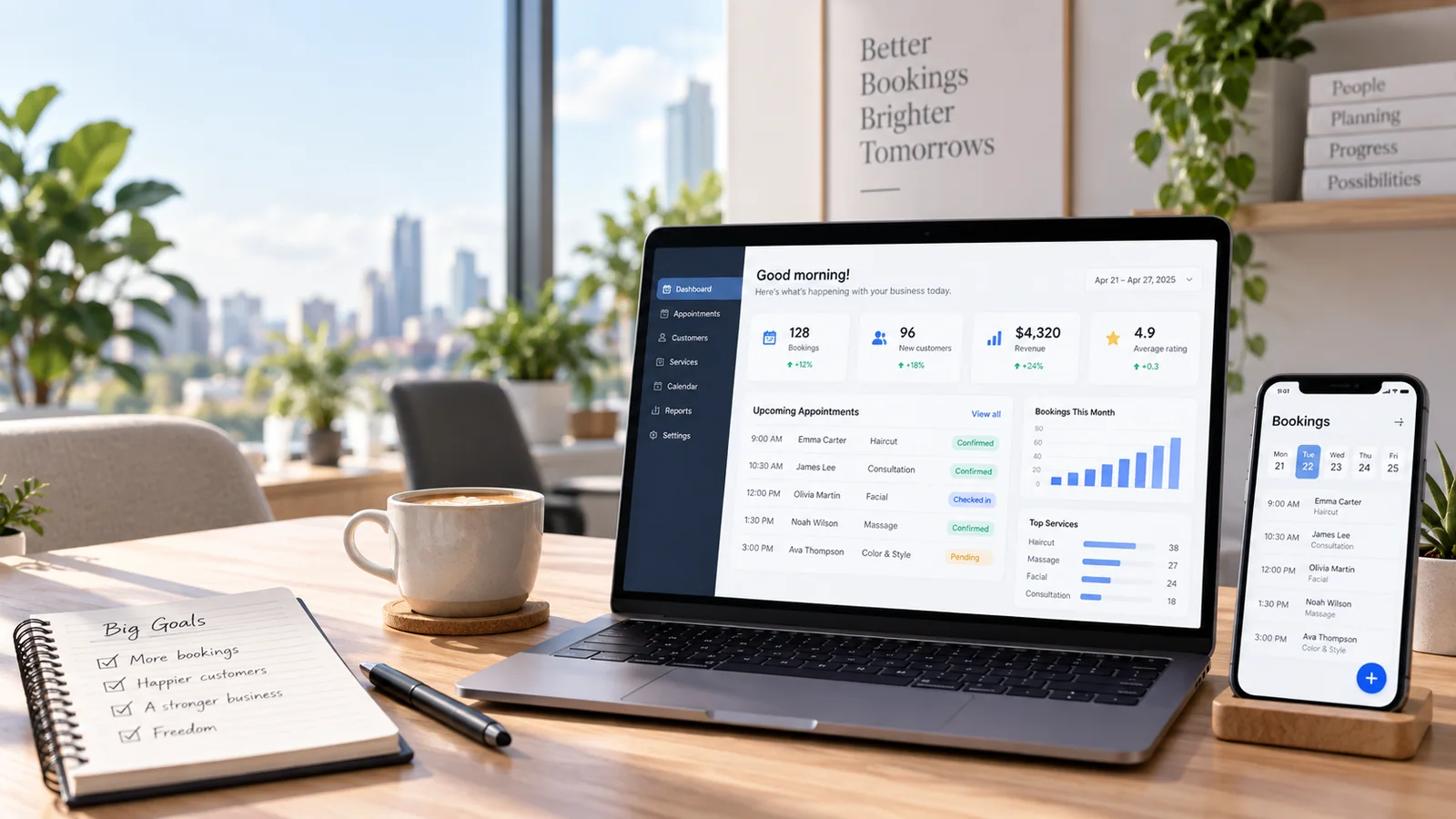
How to Manage Customer Phone Lists Professionally
A practical guide to managing customer phone lists in Rigi24, from naming and segmentation to duplicate removal and SMS Marketing preparation.

Almost every business eventually builds a database of customer phone numbers, even if it never formally decided to create one.
Numbers may accumulate in many places:
- the manager’s phone;
- the sales employee’s phone;
- WhatsApp;
- Telegram;
- Excel files;
- paper notebooks;
- CRM;
- website forms;
- bookings;
- orders;
- or the point-of-sale system.
The problem begins when the business wants to use this information.
For example, it wants to send an informational message to customers but does not know which file is newer, how many times the same number is repeated, or which customer group each number belongs to.
Professional customer-number management means converting scattered information into clear, searchable and usable lists.
Why is one large file of numbers not enough?
At first, the simplest approach may seem to be keeping every number in one file.
For example:
“customers.xlsx”
with 5,000 numbers inside.
But this structure becomes limiting very quickly.
Suppose you want to send a message only to customers of one branch.
Or only to customers who previously purchased a specific service.
Or only to VIP customers.
If everything is in one large list, you have to filter the data manually every time.
That is why numbers should be grouped according to their real use.
A list should have a clear name
The first rule is simple:
Every list should have a meaningful name.
Names such as:
- List 1
- New
- Test
- Numbers
have almost no meaning a few months later.
The name should tell the future user who these numbers belong to.
For example:
- VIP Customers
- Tbilisi Branch Customers
- Restaurant Customers
- September Event Participants
- Customers Inactive for 6 Months
- Repair Service Customers
- Loyalty Club Members
When the list name is chosen correctly, the risk of sending to the wrong group becomes much lower.
Creating a list and adding a number should be two separate steps
From a UX perspective, one common mistake is making “create a new list” and “add a number to an existing list” look almost the same.
The user may accidentally create a new list instead of adding a number to the existing one.
Or the user may think that the phone-number field is part of creating the list.
To prevent this, the interface should be clear:
Step 1: Create a new list
First, only define the list name.
Step 2: Manage the existing list
After the list is created, that list should have its own card or section where the user can:
- rename the list;
- add a number;
- store a person’s name next to the number;
- remove a number;
- view current members;
- or delete the whole list.
This simple separation significantly reduces human error.
Should a phone number be stored with a name or without one?
Both options are useful.
Sometimes a business only has the phone number.
In that situation, the system should not force a name to be entered for every number.
But if the customer’s name is available, keeping it is very useful.
For example:
Mariam
and her phone number.
This way, when managing the list, the user sees more than just a collection of digits.
The most important issue: duplicate numbers
Duplicate Phone Numbers are one of the biggest problems in customer databases.
A customer’s number may:
- exist in two different lists;
- exist in the Customer Directory;
- also be entered manually.
When sending a campaign, the system should not simply combine every record.
The numbers should first be normalized and then deduplicated.
That means if the same number appears four times in different sources, it should receive only one message in that Batch.
This has three benefits.
Lower cost
The same customer does not consume several identical SMS messages.
Better customer experience
The customer does not receive the same promotion three times in a row.
More accurate reporting
The real number of recipients becomes clear.
What does normalizing a number mean?
Users enter phone numbers in different formats.
For example, a number may be written with a country code, without a country code, with spaces or with extra symbols.
The system should convert the number into a standard internal format before comparing it.
Otherwise, two different representations of the same number may be treated as two different customers.
Can one number belong to several lists?
Yes, and that is completely normal.
For example, the same customer may simultaneously be:
- a VIP customer;
- a Tbilisi branch customer;
- a member of a New Year campaign.
The problem is not membership in several lists.
The problem appears when the system cannot control duplication at sending time.
The correct structure is therefore:
One number may belong to several lists, but within one specific Batch it should receive the message only once.
What is the difference between a customer list and CRM?
A phone list answers a specific question:
“Who do we want in this group?”
CRM answers a bigger question:
“What is our relationship with this customer and what has happened before?”
CRM may include:
- history;
- notes;
- Tasks;
- Follow-up;
- interactions;
- the responsible employee;
- and next activities.
Rigi24 Core already separates the concept of a Basic Customer Directory from professional CRM. This helps a business avoid being forced into a heavy system for a simple need.
Which lists can be useful for a business?
The type of list depends on the business.
Restaurant
- VIP customers
- Delivery customers
- Customers of a specific branch
- Former customers
Beauty salon
- Hair-color customers
- Nail customers
- VIP customers
- Customers who have not visited for a long time
Training center
- Active students
- Former students
- Applicants for a new course
- Parents
Repair shop
- Periodic-service customers
- Customers of a specific vehicle brand
- Former customers
Service company
- B2B customers
- Customers with active contracts
- Leads
- Previous customers
Every list should be editable
A list is not static.
New customers are added.
Numbers change.
Some people should no longer be in that group.
Sometimes the list name also needs to change.
That is why the system should allow:
- Rename;
- Add Member;
- Remove Member;
- Delete List.
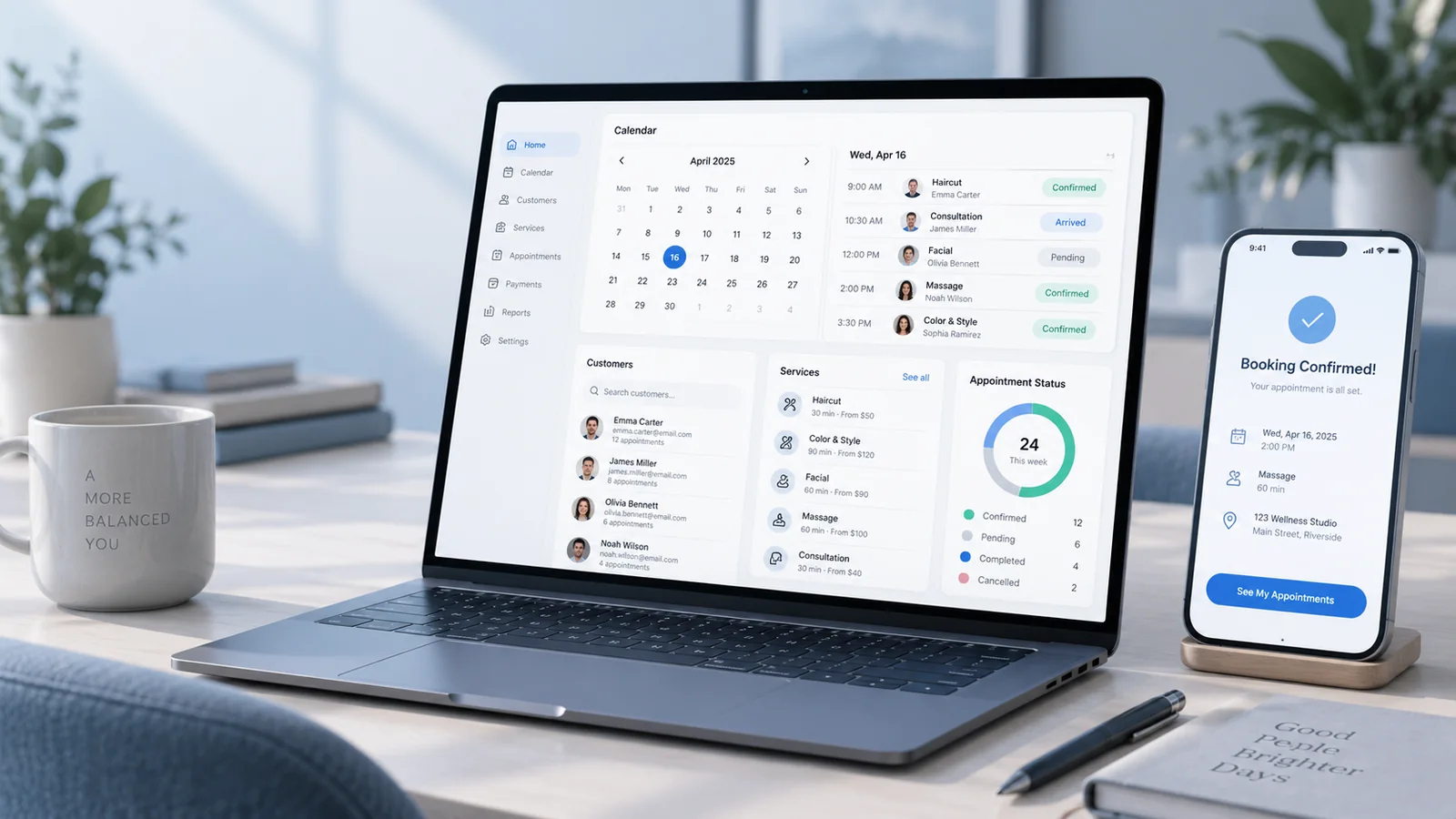
In Rigi24, these operations are performed directly inside the list card so the user always knows exactly which group is being edited.
Deleting the whole list should be clear
Delete Member and Delete List are two completely different operations.
If the user wants to remove one number, there should not be a risk of deleting the entire list.
That is why deleting the full list should be shown in a separate, warning-style area.
This is one of the details that matters in the design of management tools.
What should be checked before sending?
Before running an SMS campaign, this simple checklist is useful:
- Check the list name.
- Review the member count.
- Check newly added numbers.
- Make sure the correct list is selected.
- Read the message text.
- Check the number of SMS segments that will be consumed.
- Check the Sender.
- If scheduled, check the date and time again.
A few seconds of checking can prevent a mistaken send to hundreds of customers.
Why should the report store the list name?
Suppose one month later you want to know which group received a particular message.
If the report only shows phone numbers, you have to guess which list the campaign belonged to.
It is better to store the Source List together with the Batch.
In Rigi24, new sends can retain the name of the selected list or lists in the report.
This is very useful when reviewing previous campaigns.
Conclusion
Phone-list management may look simple, but it directly affects SMS cost, customer experience and campaign accuracy.
A professional structure includes:
- clearly named lists;
- list editing;
- adding and removing members;
- optional customer names;
- number normalization;
- duplicate removal during sending;
- storing the list name in reports.
Rigi24 places this structure inside the Business panel so that a customer-number database can move from scattered files to a manageable operational tool.
Conditions for using the SMS service in Rigi24
SMS marketing and SMS management are part of the free Rigi24 Core. There is no separate subscription fee for the SMS panel itself, phone-list management, message scheduling, delivery reports or the other main functions of this section.
The business pays only for the SMS messages it actually consumes.
This service is specifically designed for businesses, organizations and companies that operate in Georgia or are registered in Georgia.
Rigi24’s translated versions are provided for business owners, managers and companies of different nationalities that operate or are legally registered in Georgia.
The availability of Persian, English, Russian, Turkish, Arabic, Armenian and Azerbaijani does not mean that the Rigi24 SMS service is offered as an independent SMS service to foreign companies outside Georgia.
The service is intended for commercial use by businesses located or registered in Georgia. Foreign companies outside Georgian territory cannot use it as an independent SMS service for activities in other countries.
Rigi24 is a Georgia-based business management platform, and the SMS service is provided within that framework.
Frequently asked questions
Can one customer belong to several lists?
Yes. Membership in several lists is not a problem.
If the same number is in several selected lists, how many messages will it receive?
Within one Batch, a duplicate number should receive the message only once.
Is entering a name for a number mandatory?
No. A number can be stored without a name, although a name makes list management easier.
Can the list name be changed later?
Yes.
Can one number be removed without deleting the whole list?
Yes. List members can be removed independently of the list itself.
Can the list name be shown in the SMS report?
For sends where a Source List is stored, the list name can be retained and shown in the report.