
What Is Rigi24 Core? A Free Foundation for Business Management
Rigi24 Core is the free, permanent foundation of Rigi24: a business profile, public page, basic customer directory, dashboard and a modular path to grow.

Rigi24 Core is the free, permanent foundation of Rigi24. It gives a business a clean digital starting point without forcing it to buy a large software bundle on day one. The principle is simple: essential business information and basic management should be organized first; specialist capabilities should be activated only when they solve a real operational problem.
That makes Core different from a short demo or a temporary free plan. A salon, clinic, service office, training center, small shop or another business can establish its profile, public page, users and basic customer directory first. Booking, Queue, professional CRM, WebRTC, AI, Store and other modules remain separate and can be considered later.
The idea behind Rigi24 Core: foundation first, modules second
Many business platforms present dozens of features at once. Small teams often end up paying for tools they do not yet use, while staff must learn a complicated interface before the underlying business data is even organized. Rigi24 takes a modular approach. Core is the shared layer on which the rest of the platform can grow.
A business creates one Business identity in Rigi24. Its main profile, users, public presence and basic customer information belong to that environment. If the business later activates Booking or CRM, it should not need to create a separate company profile from scratch; the existing foundation is extended by the new module.
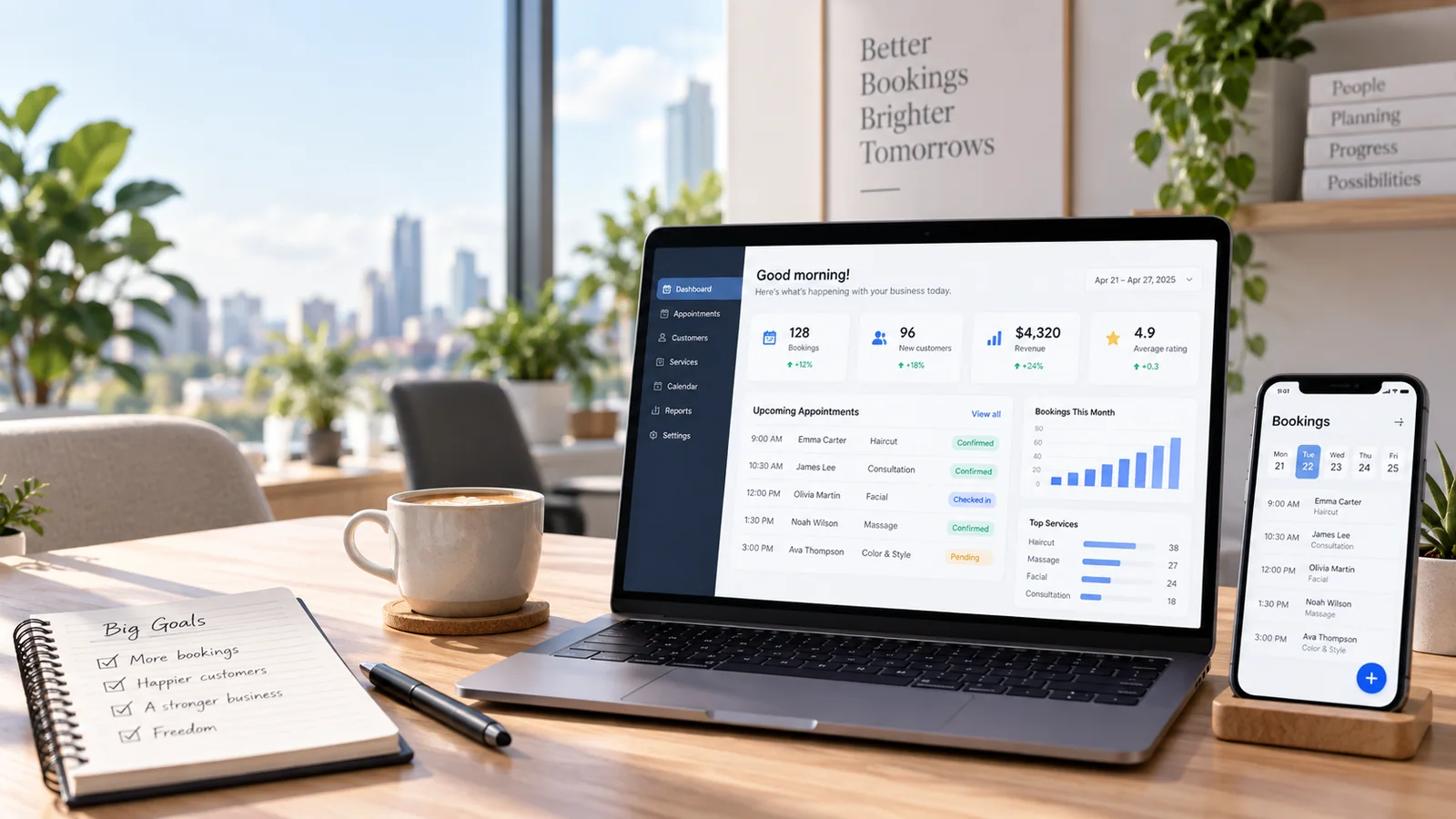
What is included in the free Core?
Core is designed to cover the basics most businesses need at the beginning:
- account creation and creation of a Business in Rigi24;
- a business profile with name, logo, description, address, phone, opening hours and core contact details;
- a public Rigi24 business page;
- one branch in the free Core level;
- up to three users;
- a basic dashboard;
- a Basic Customer Directory and simple customer search;
- basic users, roles and permissions;
- basic access through the Telegram Mini App;
- system and account notifications;
- access to the module area where additional capabilities can be requested or activated later.
Core has no expiry date. If these functions are enough for a business, it does not need to buy a paid module simply to keep its base profile and environment alive.
The business profile and public page
The first practical value of Core is consistency. A correct business name, current phone number, accurate address, real opening hours and a clear description may sound basic, but inconsistent information across social media, messaging apps and old websites is a common source of lost customers.
The public Rigi24 page gives the business a stable link where the essential information can be presented in one place. It is not intended to forcibly replace a website or social media presence. It works as a structured reference point and can become part of a larger digital setup as the business grows.
If a company later needs a fully custom website, Rigi24 can provide a separate professional Business Website service rather than a self-service website builder. That website can be designed around the business and connect to the Rigi24 modules that are actually active.
The guide How to create a free online business page with Rigi24 explains how to make the public profile useful rather than leaving it as an empty card.
What do one branch and up to three users mean?
The free Core level is designed for one branch and up to three users. This does not mean larger businesses cannot use Rigi24. It means the permanent free foundation is intentionally aimed at a small starting structure. When a business has more branches or more active users, the commercial model can reflect the real scale and the modules being used.
Three separate users can, for example, represent an owner, a reception/operator role and a second manager or operational user. Separate accounts are better than sharing one password because permissions can be controlled and each person can work only in the areas relevant to their role.
Basic Customer Directory is not professional CRM
A common mistake is to label any customer list as CRM. Core includes a Basic Customer Directory: a place to keep and search essential customer information so that names and phone numbers are not scattered across personal phones, paper notes, spreadsheets and messaging apps.

Professional CRM is the next level when a business needs communication history, structured notes, follow-ups, tasks, richer customer context or sales/service workflows. Core intentionally keeps the basic directory lightweight instead of hiding a complicated CRM inside the free layer.
The difference is explored in detail in Basic customer management with Rigi24 Core.
Dashboard, users, roles and permissions
Even a three-person team benefits from a clean access model. The owner may need administrative settings while another user only needs day-to-day operational access. Core provides the basic user, role and permission structure so the business does not have to start with shared accounts and unrestricted access.
The basic dashboard is also intentionally a foundation rather than an advanced analytics product. Its job is to make the main parts of the business environment easy to reach. Module-specific reporting or advanced analytics belongs with the relevant commercial module when such functionality is required.
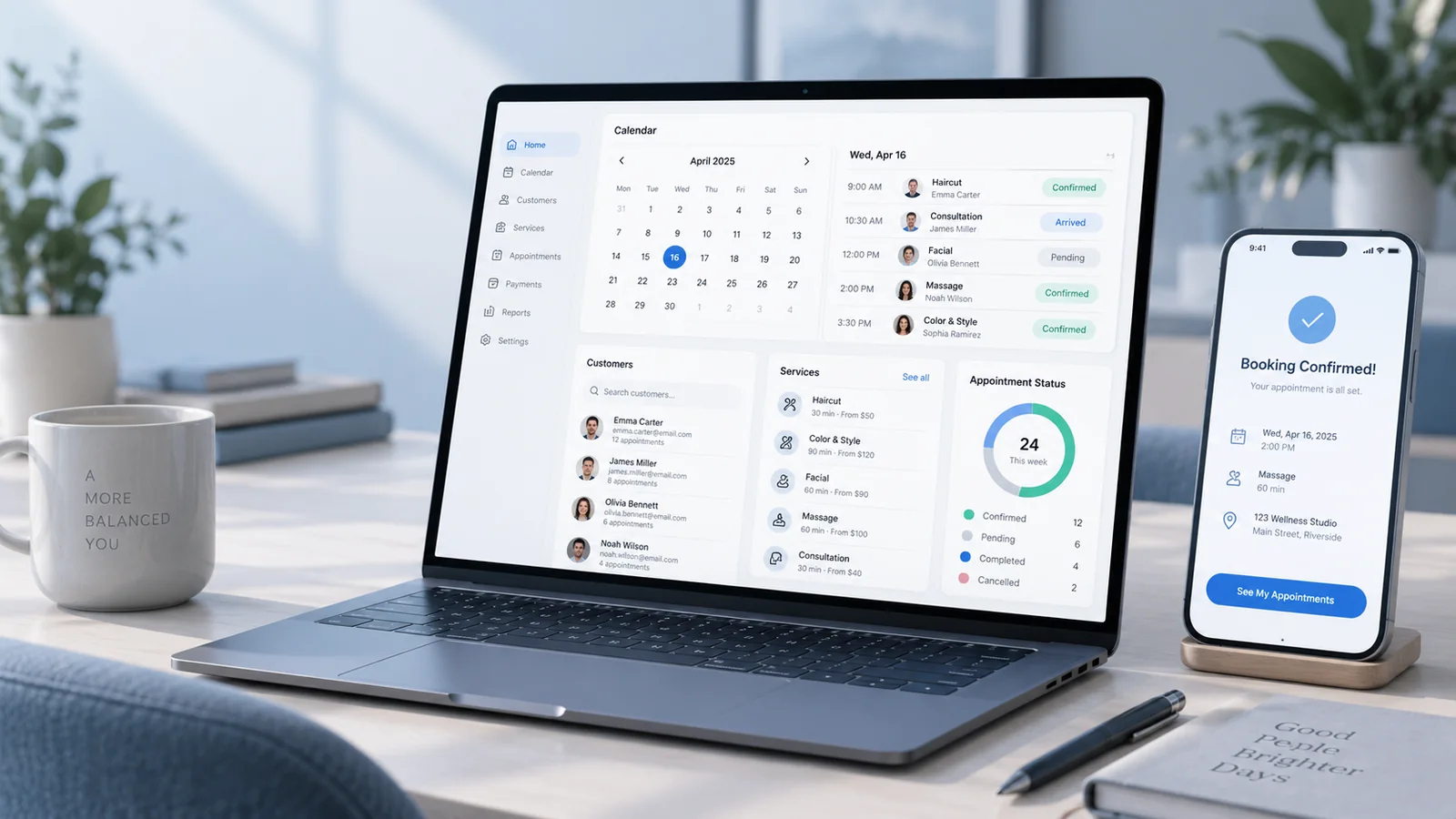
Telegram Mini App and basic notifications
In Rigi24 architecture, the Telegram Mini App is an access channel rather than an unrelated standalone product. Core can provide basic access appropriate to the user's identity and permissions. As other modules are activated, the functions available through that channel can reflect the business's active entitlements.
System and account notifications serve platform-level needs. They should not be confused with commercial SMS usage or professional CRM communication workflows, which are separate services or modules.
What is deliberately not included in Core?
Clarity about exclusions is important. The permanent free Core does not include specialist modules such as:
- Booking and appointment management;
- Queue management;
- professional CRM with follow-ups and tasks;
- WebRTC calling and softphone functionality;
- AI assistants;
- Store and order management;
- Delivery;
- Invoice Builder;
- The SMS management panel is part of the free Rigi24 Core. There is no separate subscription for the panel itself, list management, scheduling or sending reports; the business pays only for the SMS messages it actually consumes. The service is intended for businesses operating or registered in Georgia.
This separation is the point of the modular model. A service company that needs CRM should not have to buy Queue, and a business that only needs appointments should not pay for unrelated functionality.
Three practical starting scenarios
A salon or personal-service business
It can first complete its public profile, address, hours and phone number, create separate users and keep a basic customer directory. If appointment calls later become a measurable problem, Booking can be evaluated as a separate module without rebuilding the Business from zero.
A small service office
The manager can create a formal shared environment for the company, give two colleagues separate accounts and keep essential customer information in one place. When follow-ups and customer history become difficult to manage, professional CRM becomes a logical next step.
A training or consulting center
Core can organize the public identity and basic contact/customer information. Queue, Booking, communication tools or other specialist functions are evaluated only when the workflow actually requires them.
How much does it cost to start?
Self-setup of Rigi24 Core is free. A business can create its account, profile and base environment without paying an installation fee.
For companies that prefer Rigi24 staff to come on site, an optional 150 GEL on-site setup and initial training service is available. Depending on the agreed setup, this can include initial configuration, entering business information supplied by the customer, checking users and settings, activating or checking purchased modules, initial manager/user training and a final on-site test.
The 150 GEL is a service charge for on-site work and training; it is not a subscription fee for Core.
What if I am not sure which paid module I need?
Paid modules can be requested for a 15-day free trial. A trial is not activated automatically: the business submits a request, Super Admin reviews it and the trial begins after approval/activation. In justified cases, an administrator can extend the total trial period up to 30 days. No payment card is required to start the standard trial.
The full process is explained in Rigi24 module free trials.
Checklist: is Core enough for your current stage?
Core is probably the right place to stay for now if most of these statements are true:
- one branch is enough for your current operation;
- up to three users are sufficient at the beginning;
- your first priority is to organize business information and create a public page;
- you need a simple, searchable customer directory rather than professional CRM workflows;
- you have not yet measured a strong operational need for Booking, Queue or another paid module;
- you prefer to evaluate specialist tools separately before paying for them.
Conclusion
Rigi24 Core separates “starting digitally” from “buying every feature.” It gives the business a permanent foundation: profile, public page, one branch, up to three users, a basic customer directory and essential access/management tools. Specialist modules are added only when they create measurable value.
That approach keeps the initial system simpler and avoids paying for unused functionality. If you are ready to build the foundation, continue with the step-by-step Rigi24 Core setup guide.
Start with Rigi24 Core for free
Create your business profile today and add specialist modules only when your operation needs them.
Frequently asked questions
Is Rigi24 Core really free?
Yes. Core is the free, non-expiring base layer of Rigi24. Specialist modules are priced separately.
How many branches and users are included?
The base Core tier is designed for one branch and up to three users.
Is the Customer Directory the same as CRM?
No. Core provides basic customer storage and search; CRM adds history, advanced notes, follow-ups and tasks.
Do I have to pay for setup?
No. Self-setup is free. Optional on-site setup and training costs 150 GEL.
 RIGI24 RESTAURANTRigi24 Restaurant Management Software: From Smart Menu and Table Ordering to Reservations and Waiter Management
RIGI24 RESTAURANTRigi24 Online Restaurant Reservations: Manage Online, Phone and In-Person Bookings in One Calendar
RIGI24 RESTAURANTWaiter and Table Ordering Management with Rigi24: Comparing Pagers and Basic QR Menus
RIGI24 RESTAURANTRigi24 Restaurant Management Software: From Smart Menu and Table Ordering to Reservations and Waiter Management
RIGI24 RESTAURANTRigi24 Online Restaurant Reservations: Manage Online, Phone and In-Person Bookings in One Calendar
RIGI24 RESTAURANTWaiter and Table Ordering Management with Rigi24: Comparing Pagers and Basic QR Menus
 Rigi24 Academy · InvoicingComplete Guide to Rigi24 Invoicing — Invoices, Acceptance Acts, Payments and Accountant Workflow