
Basic Customer Management with Rigi24 Core — Without Heavy CRM
Core gives businesses a lightweight digital customer directory; advanced history, follow-ups and tasks belong to CRM when the business is ready.

Customer management does not have to begin with a complex CRM. For many small businesses, the immediate problem is much simpler: customer information is scattered across personal phones, WhatsApp conversations, spreadsheets, paper notes and individual employees' memory. Rigi24 Core addresses that first layer with a Basic Customer Directory: keep essential customer details in one business environment and be able to find them again.
This feature is deliberately not a full professional CRM. Understanding the distinction helps a business avoid paying for advanced workflows before they are needed, while still creating a clean data foundation that can support future growth.
What is the Basic Customer Directory for?
The Customer Directory creates a simple reference for identifying customers. Instead of a customer's number existing only in one employee's phone, essential information can live inside the Business environment and be searched when required.
Typical day-to-day value includes:
- finding a customer quickly using basic details;
- reducing duplicate records stored in several unrelated places;
- keeping important contact information with the business rather than only on a personal device;
- creating an organized base that can support professional CRM or other modules later.
What information should be stored?
A useful principle is to keep data that has a real operational purpose. Name, phone number and necessary contact or identification details are usually enough to begin. Additional fields depend on the type of business and the actual workflow.
Collecting more data does not automatically make the system more valuable. Too many unnecessary fields make records harder to maintain and can create privacy concerns. Keep information relevant, accurate and proportionate to the reason you need it.
What the Customer Directory is not
The Core directory is not CRM Pro. It should not be expected to provide all of the following professional capabilities:
- full interaction and communication history;
- structured follow-ups;
- tasks and responsible owners;
- advanced notes and customer timeline;
- sales pipeline management;
- sophisticated customer communication automations;
- advanced CRM analytics and reporting.
Those capabilities become valuable when the number of interactions or team members makes a simple list insufficient. That is the point at which the CRM module should be evaluated.
Customer information vs customer relationship workflow
This distinction is fundamental. A directory answers, “Who is this customer and how can we identify/contact them?” A CRM answers, “What has happened with this customer, what happens next, who is responsible and what is the full context?”
If the first question is still the main problem, Core can be enough. When the second question becomes a recurring operational issue, CRM begins to create real value.
Clean data is more important than more features
Adding CRM does not fix a database full of duplicate phone numbers, incomplete names and expired information. Before moving data from old files, define a simple internal standard.
Use consistent names
Decide how names should be entered. Avoid primary records such as “Instagram lady,” “new customer” or “repair guy.” Those labels may make sense to one person for a day and become meaningless later.
Use a consistent phone format
For a business operating in Georgia, agree on one approach to country codes and number formatting. Consistency improves search and makes future integration with communication tools easier.
Search before creating a new record
One person with three separate records creates fragmented data. Search first, then update the existing customer where appropriate.
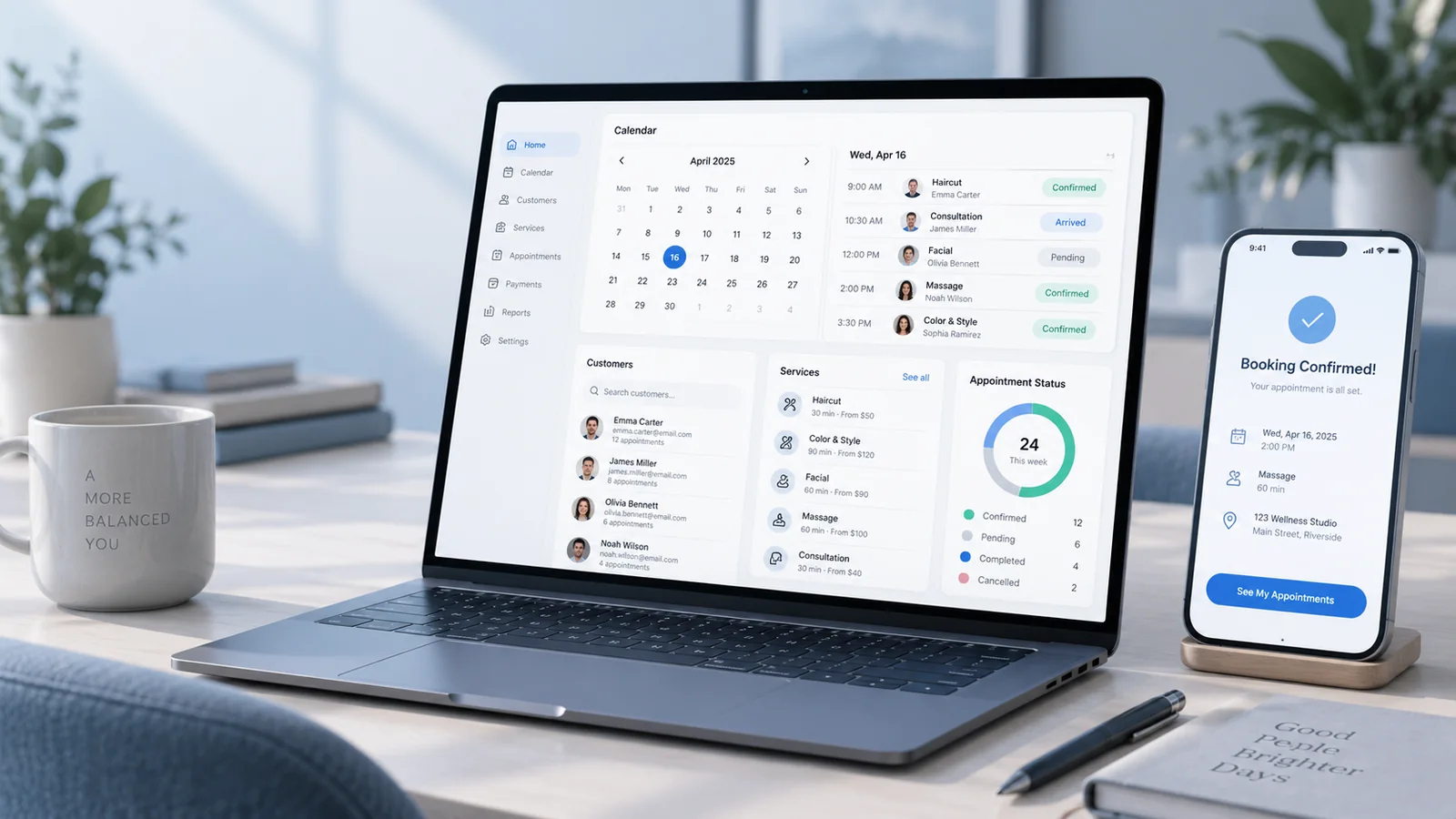
A simple workflow for a two- or three-person team
A small team can often follow this process:
- search by phone or name before creating a customer;
- create a record only when it does not already exist;
- store only the essential data needed for the workflow;
- update the same record when contact information changes;
- keep private or irrelevant information out of the directory;
- when follow-up becomes complex, do not force tasks and history into basic fields—evaluate CRM instead.
The workflow is intentionally simple, but that simplicity prevents data quality problems from becoming larger over time.
Why users and permissions matter for customer data
Customer information is also an access-control issue. A person should not automatically receive every management permission simply because they work in the Business. Core includes basic users, roles and permissions so access can be organized from the beginning.
With up to three Core users, give each person a separate account and permissions appropriate to the job. Shared logins make it harder to control access and become an even bigger problem when CRM, WebRTC or other commercial modules are added.
Privacy: store less, but store it properly
The Customer Directory should not become a warehouse for everything an employee happens to know about a person. A professional business should collect data for a clear reason, restrict access and avoid information that is unnecessary for the service.
If your sector handles sensitive or specially regulated information, relevant legal and internal requirements need separate consideration. Core's Basic Customer Directory is not a substitute for specialized medical record, financial record or legal case-management systems.
Example 1: a technical service company
A small repair company may initially need only names and phone numbers so it can recognize returning customers. The directory is sufficient for that. Later, if the team needs to know the last conversation, promised action and responsible technician, the need has moved beyond a basic directory and toward CRM.
Example 2: a salon or beauty center
Core can keep customer contact data organized. Appointment management is a different problem; Booking is a separate module. Keeping those concepts separate prevents the team from trying to use customer fields as an improvised appointment calendar.
Example 3: a consulting office or training center
A directory is useful for contact information. If the team later needs structured stages, follow-up dates, tasks or a traceable history for each person, professional CRM is more appropriate than adding dozens of informal notes to a basic record.

Signs that it is time to evaluate CRM
These situations often indicate that a simple directory is no longer enough:
- staff repeatedly ask, “Who spoke to this customer last?”;
- follow-ups are being forgotten;
- tasks are scattered across chats and paper notes;
- each customer needs a traceable history and structured notes;
- several team members work with the same customer;
- management needs visibility into the team's follow-up process.
If none of these problems exists yet, buying CRM simply because “every company needs CRM” may not be necessary.
How the directory relates to other Rigi24 modules
Rigi24 is designed around a shared Business and customer identity so businesses do not need a completely different customer list for every tool. However, each module adds only its own specialist functionality. Having a Customer Directory does not mean CRM, Booking or calling features are active.
This modular separation keeps the base environment understandable and lets the business pay only for tools that solve a real problem.
Is the Basic Customer Directory paid?
No. The Basic Customer Directory is part of free Rigi24 Core. Self-setup of Core is free. If the business wants on-site setup and initial training, the optional 150 GEL service can cover configuration, training and final testing.
Healthy Customer Directory checklist
- one primary record per customer where possible;
- consistent phone-number formatting;
- only necessary data collected;
- separate accounts for users rather than shared credentials;
- search before creating a new customer;
- changes applied to the existing record;
- follow-ups/tasks are not hidden inside improvised basic fields;
- professional CRM is evaluated when a real workflow need appears.
Conclusion
Good customer management starts with clean, findable data—not with the largest possible CRM. Rigi24 Core gives small businesses a free base layer for essential customer information and simple search.
When the team truly needs history, tasks, follow-ups and richer context, the CRM module can add that professional layer. If you are still organizing the foundation, complete the Rigi24 Core setup guide. For a broader decision framework, see Rigi24 for small businesses.
Keep customer data organized from day one
Start with a lightweight directory and move to professional CRM only when your workflows require it.
Frequently asked questions
Is the Customer Directory free?
Yes. Its basic version is included in Core.
Are follow-ups and tasks included?
No. Those are professional CRM capabilities.
How many people can use Core?
The base Core tier supports up to three users, with access controlled by role.
Should we import every old contact immediately?
Only after cleaning duplicates and incomplete or unnecessary data.
 RIGI24 RESTAURANTRigi24 Restaurant Management Software: From Smart Menu and Table Ordering to Reservations and Waiter Management
RIGI24 RESTAURANTRigi24 Online Restaurant Reservations: Manage Online, Phone and In-Person Bookings in One Calendar
RIGI24 RESTAURANTWaiter and Table Ordering Management with Rigi24: Comparing Pagers and Basic QR Menus
RIGI24 RESTAURANTRigi24 Restaurant Management Software: From Smart Menu and Table Ordering to Reservations and Waiter Management
RIGI24 RESTAURANTRigi24 Online Restaurant Reservations: Manage Online, Phone and In-Person Bookings in One Calendar
RIGI24 RESTAURANTWaiter and Table Ordering Management with Rigi24: Comparing Pagers and Basic QR Menus
 Rigi24 Academy · InvoicingComplete Guide to Rigi24 Invoicing — Invoices, Acceptance Acts, Payments and Accountant Workflow