
Complete Guide to Rigi24 Invoicing — Invoices, Acceptance Acts, Payments and Accountant Workflow
A practical guide to Rigi24 Invoicing: customers, invoices, PDF/QR, payments, Email/SMS/Telegram, accountant workflow, waybill requests and acceptance acts.
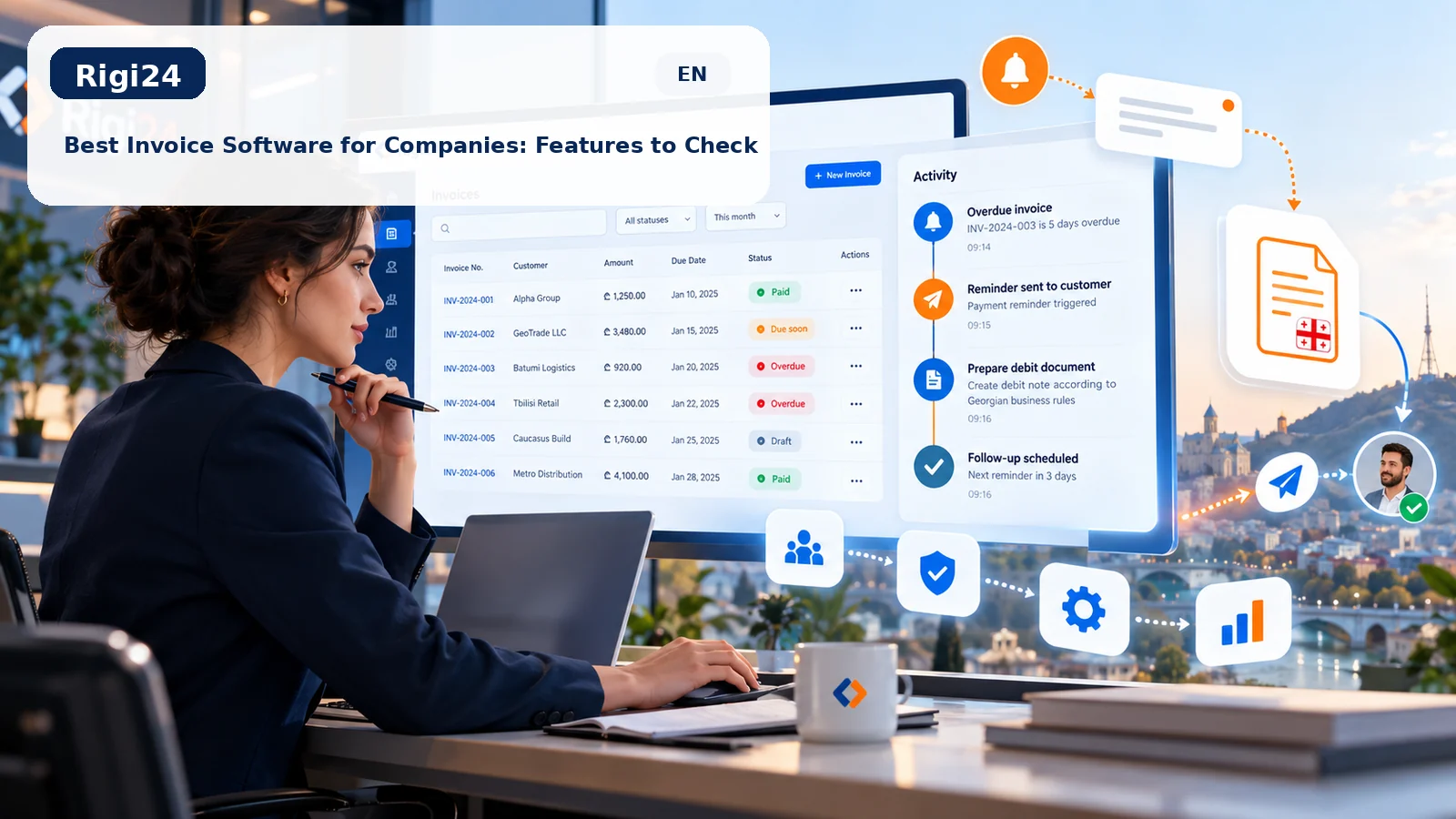
Rigi24 Invoicing is more than a PDF generator. It is a connected workflow for customer records, invoice creation and delivery, payment tracking, accountant collaboration and documents linked to an invoice. For businesses operating in Georgia, two particularly useful workflows are waybill (ზედნადები) requests and the Acceptance Act (მიღება–ჩაბარების აქტი).
What exactly does Rigi24 Invoicing do?
The purpose of Rigi24 Invoicing is to keep the path from “customer” to “payment and accounting follow-up” in one system. Instead of storing the customer in Excel, the invoice in Word, the PDF in a folder, the delivery message in Telegram and the payment status somewhere else, the records remain connected to the same business transaction.
Customer → Invoice → PDF / public link → Delivery → Payment & balance → Accountant → Waybill request when needed → Acceptance Act → History & follow-up
1. Manage the customer before creating the invoice
When creating an invoice, staff can select an existing customer or add a new one. Reusable customer data such as a person or company name and relevant contact/document details stay with the customer profile, reducing repetitive entry when the same customer is invoiced again.
2. Create an invoice from Draft to final issue
An invoice can start as a Draft so its data can be reviewed before final issue. Products or services, quantity, price, notes, discount, tax, due date and other commercial details can be kept in the same document. Once approved, the invoice becomes ready for delivery and remains in the history.
For businesses with recurring services or frequently used items, keeping a reusable product/service catalog also reduces time and data-entry errors.
3. Professional PDF, QR code and secure public link
The final invoice can be rendered as a professional PDF with seller, buyer, line items, totals, payment details, notes and—when configured—logo, stamp and signature. A secure public URL and QR code allow the customer to view the document without access to the private business panel.
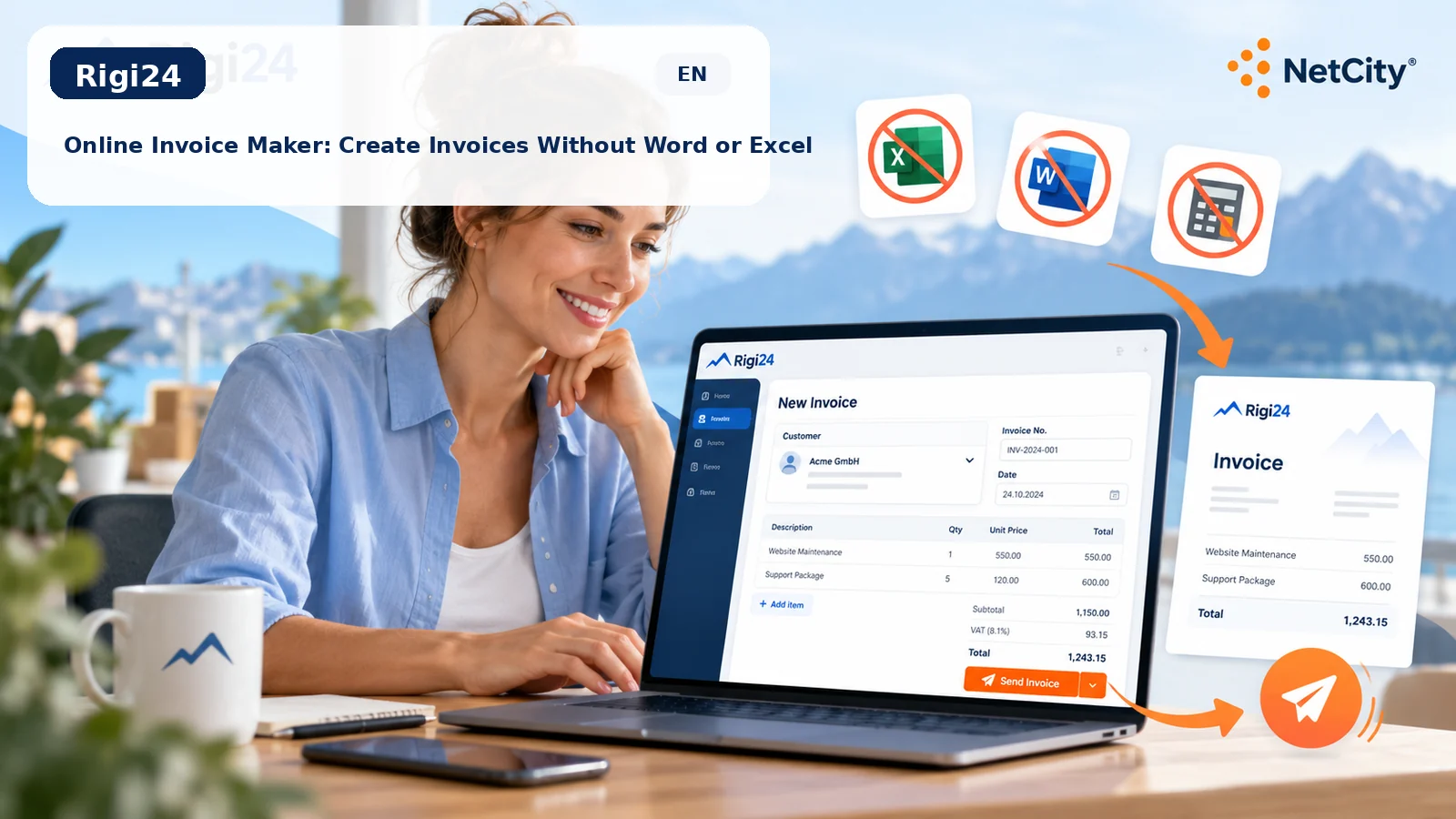
For a focused introduction, read What is an online invoice maker?.
4. Send through Email, SMS and Telegram
Issuing the invoice should not force staff to download a file and manually repeat the delivery process in several apps. Rigi24 Invoicing supports a multichannel workflow: Email for formal delivery, SMS for a fast link, and Telegram for businesses that already communicate there. The point is not only delivery—it is keeping that delivery connected to the invoice history.
5. Payments, partial payments and outstanding balance
The invoice workflow continues after issue. Payments can be recorded against the invoice so the business can see what has been paid, what remains outstanding and which invoices still require follow-up. This is especially useful for debtor reporting and preventing overdue invoices from disappearing in day-to-day operations.
6. Recurring invoices for repeat services
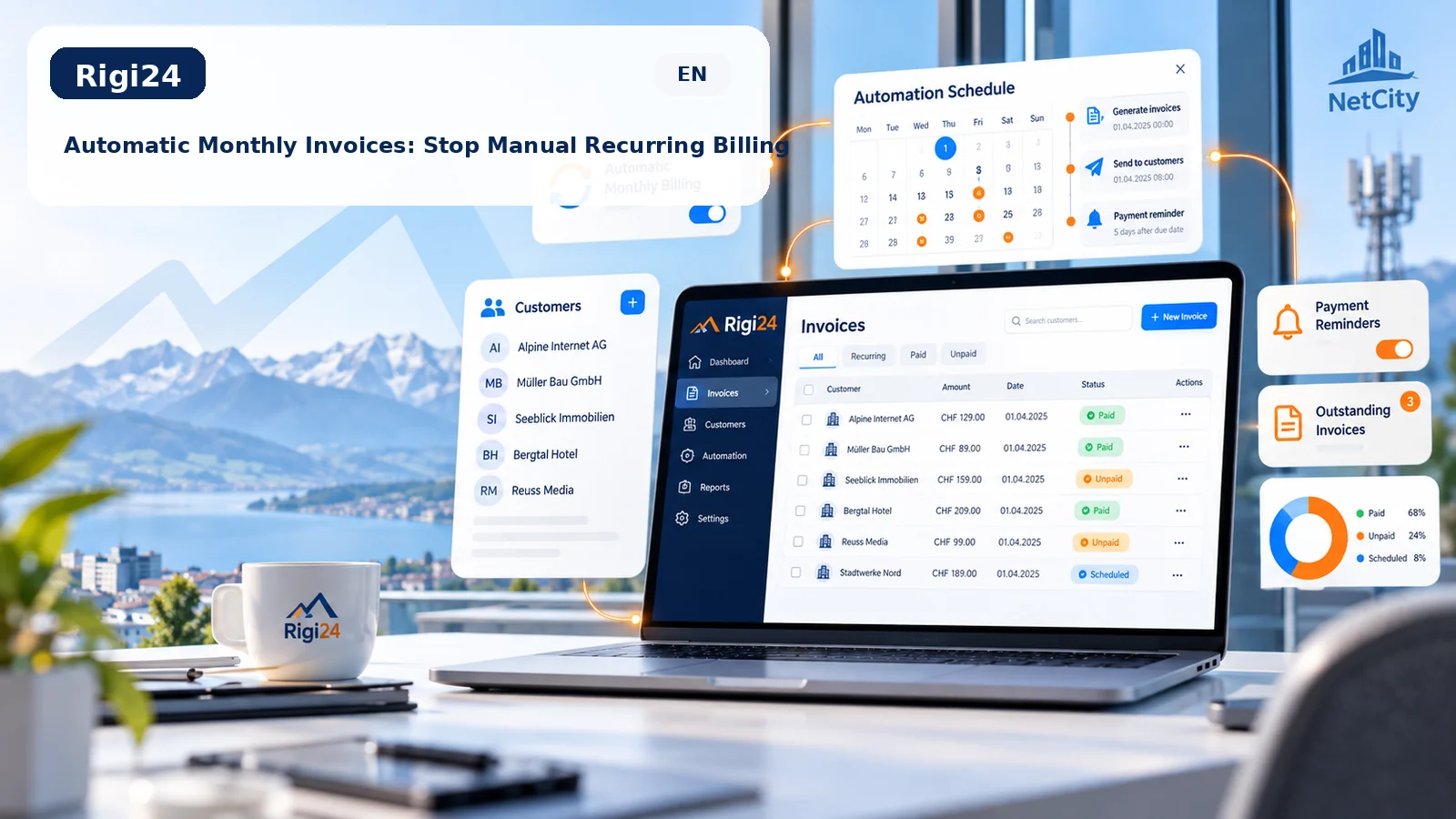
Monthly support, subscriptions, rent, retainers and other recurring services should not require staff to rebuild essentially the same invoice every cycle. Rigi24 Invoicing can organize a recurring invoicing process while still keeping each issued invoice as its own traceable document.
See the dedicated guide: Automatic monthly and recurring invoices.
7. Accountant workflow
A major difference between Rigi24 Invoicing and a basic PDF generator is that the process does not end when the invoice is issued. Related documents and tasks can be routed into an accountant workflow so that the business and accountant work from the same underlying commercial information and can see what has been completed and what is still pending.
8. Waybill (ზედნადები) request for the accountant
In Georgia, some transactions and movements of goods can require accounting or tax documents such as a waybill (სასაქონლო ზედნადები). Rigi24 Invoicing can record that a waybill is needed, send the request to the accountant and keep its status visible in the workflow.
Important: Rigi24 Invoicing does not replace the official Revenue Service portal or the accountant’s professional responsibility. The correct document for a transaction and the official filing must follow applicable rules. Official reference: Revenue Service Georgia — Accounting Documents.
9. Acceptance Act (მიღება–ჩაბარების აქტი): important for Georgian B2B work
The მიღება–ჩაბარების აქტი is an acceptance/handover document used in many Georgian B2B workflows to record that work or services were delivered and accepted. In Rigi24 Invoicing, the Act is connected to the relevant invoice and can be created from the same invoice data, avoiding repeated entry of the parties and service details.
Once created, the Act remains next to the invoice in the same workflow and can be delivered to the relevant party. This direct Invoice → Acceptance Act connection is particularly useful for companies that need an orderly document trail after service delivery.
10. History and operational control
As invoice volume grows, the important question is no longer only “Was the PDF created?” Managers need to know who issued the invoice, whether it was sent, how much was paid, whether the accountant has a pending task and whether a related document such as an Acceptance Act is required. Keeping these events together reduces dependence on memory and scattered messages.
Quick tutorial: issue your first invoice
- Open Rigi24 Invoicing and select or create the customer.
- Create a new invoice and enter products/services, quantity, amount, tax/discount and due date.
- Review the Draft and issue the final invoice.
- Check the PDF and public link.
- Send it through the appropriate channel: Email, SMS or Telegram.
- Record payments as they arrive and monitor the remaining balance.
- If needed, create the accountant/waybill request.
- When applicable, create the Acceptance Act from the same invoice and send it.
Who is Rigi24 Invoicing for?
Service companies, technical support providers, agencies, B2B sales teams, consultants, subscription businesses and companies issuing multiple invoices every month benefit most from an organized invoice workflow. Even when statutory accounting is performed in another system, Rigi24 Invoicing can serve as the operational layer between sales, customers and the accountant.
What Rigi24 Invoicing is not
Rigi24 Invoicing is not intended to replace a full accounting system or a professional accountant. Its primary role is to organize the commercial invoice lifecycle and related documents. Tax filings, statutory accounting and accounting judgments must still follow official rules and professional advice.
Related Rigi24 resources
- Rigi24 Invoice Maker module
- Create online invoices without Word or Excel
- Automatic recurring invoices
- What should professional invoice software include?
- CRM for small businesses in Georgia
Summary
Rigi24 Invoicing does not treat an invoice as an isolated file. It keeps the customer, document, delivery, payment, accountant follow-up, waybill request and—when needed—the Acceptance Act connected in one traceable workflow. For businesses that want cleaner commercial records and fewer disconnected steps, that continuity is the main advantage.
View the Rigi24 Invoice Maker module and get started →
Frequently asked questions
 RIGI24 RESTAURANTRigi24 Restaurant Management Software: From Smart Menu and Table Ordering to Reservations and Waiter Management
RIGI24 RESTAURANTRigi24 Online Restaurant Reservations: Manage Online, Phone and In-Person Bookings in One Calendar
RIGI24 RESTAURANTWaiter and Table Ordering Management with Rigi24: Comparing Pagers and Basic QR Menus
RIGI24 RESTAURANTRigi24 Restaurant Management Software: From Smart Menu and Table Ordering to Reservations and Waiter Management
RIGI24 RESTAURANTRigi24 Online Restaurant Reservations: Manage Online, Phone and In-Person Bookings in One Calendar
RIGI24 RESTAURANTWaiter and Table Ordering Management with Rigi24: Comparing Pagers and Basic QR Menus
 Rigi24 Academy · InvoicingComplete Guide to Rigi24 Invoicing — Invoices, Acceptance Acts, Payments and Accountant Workflow